Plan the next call
Put a call or a dinner on someone's page. Tend shows what's coming up, and ticks it off when you log it.
Tend is a small Mac app for keeping in touch with the people who matter. Once a week it asks who you talked to. Then it shows you, gently, who's starting to drift.
Free · For Mac · Your list never leaves your computer · Buy me a coffee ☕
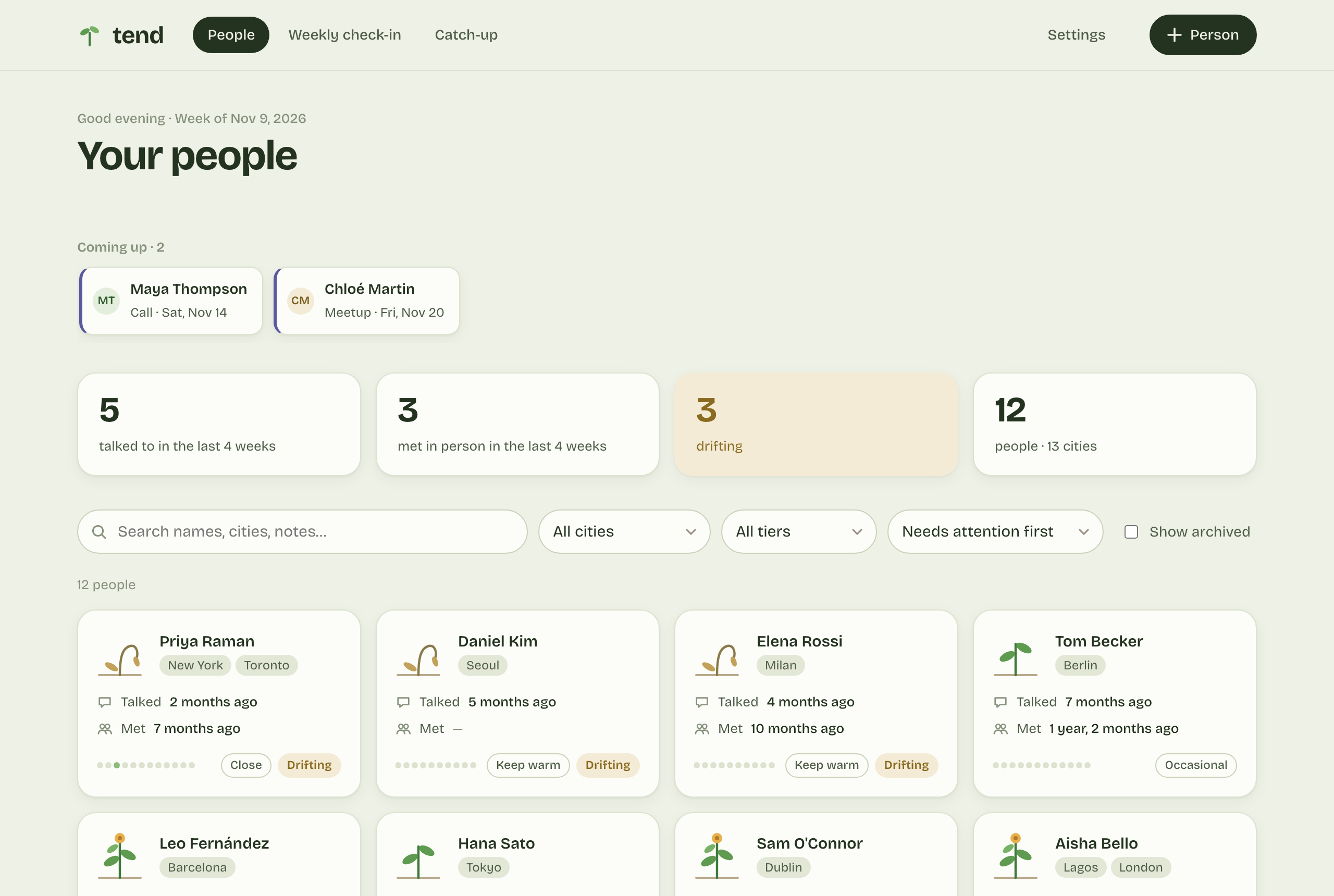
The people in these pictures are made up.
Every week · about a minute
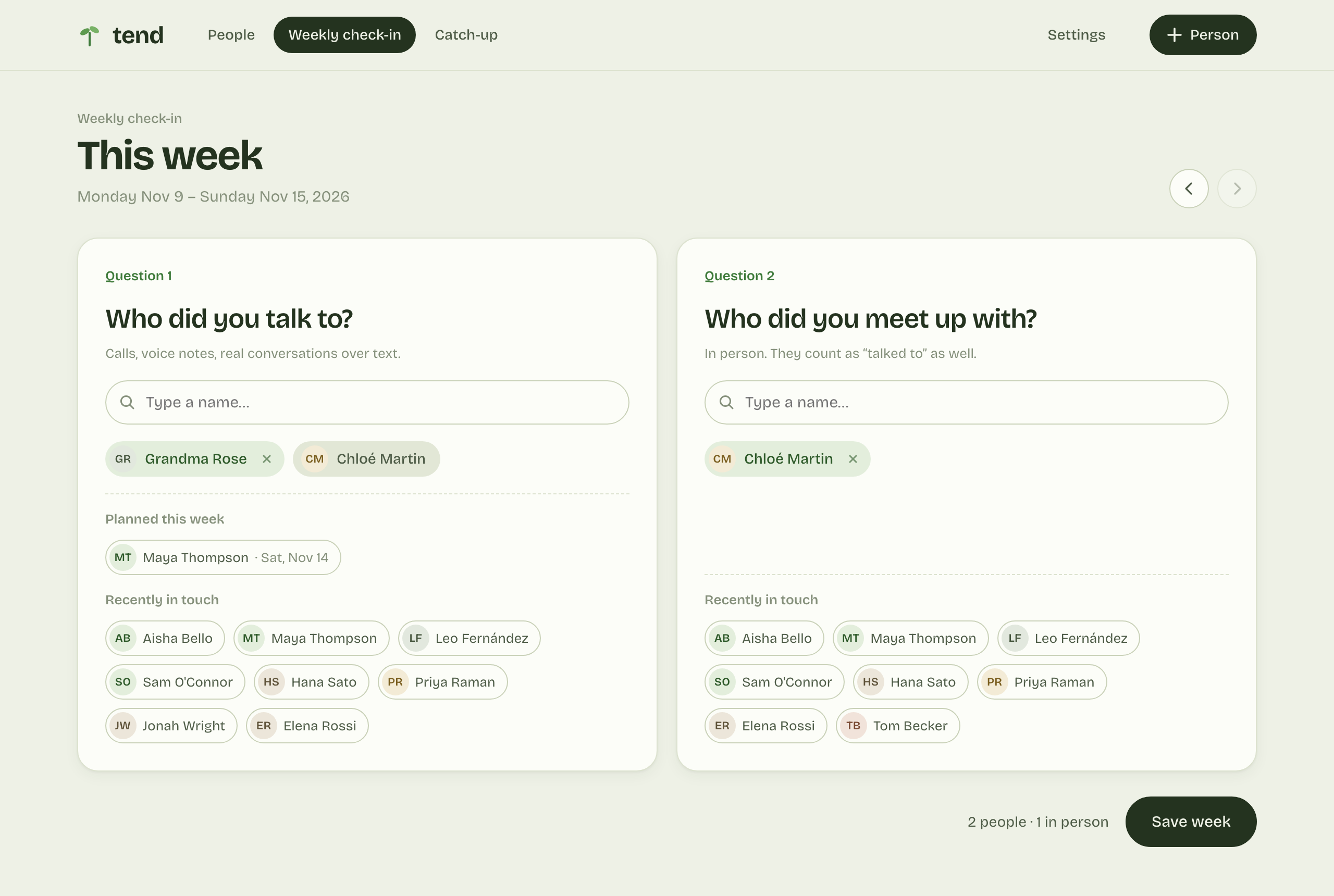
Who did you talk to this week? Who did you see in person? Type a few letters of a name and press Enter. Tend remembers the rest, so you don't have to keep a diary.
Each person is a plant
Friends you're in touch with bloom. The ones you haven't called in a while start to wilt. Your closest people can wilt after a month, old friends after a year. You decide what feels right.
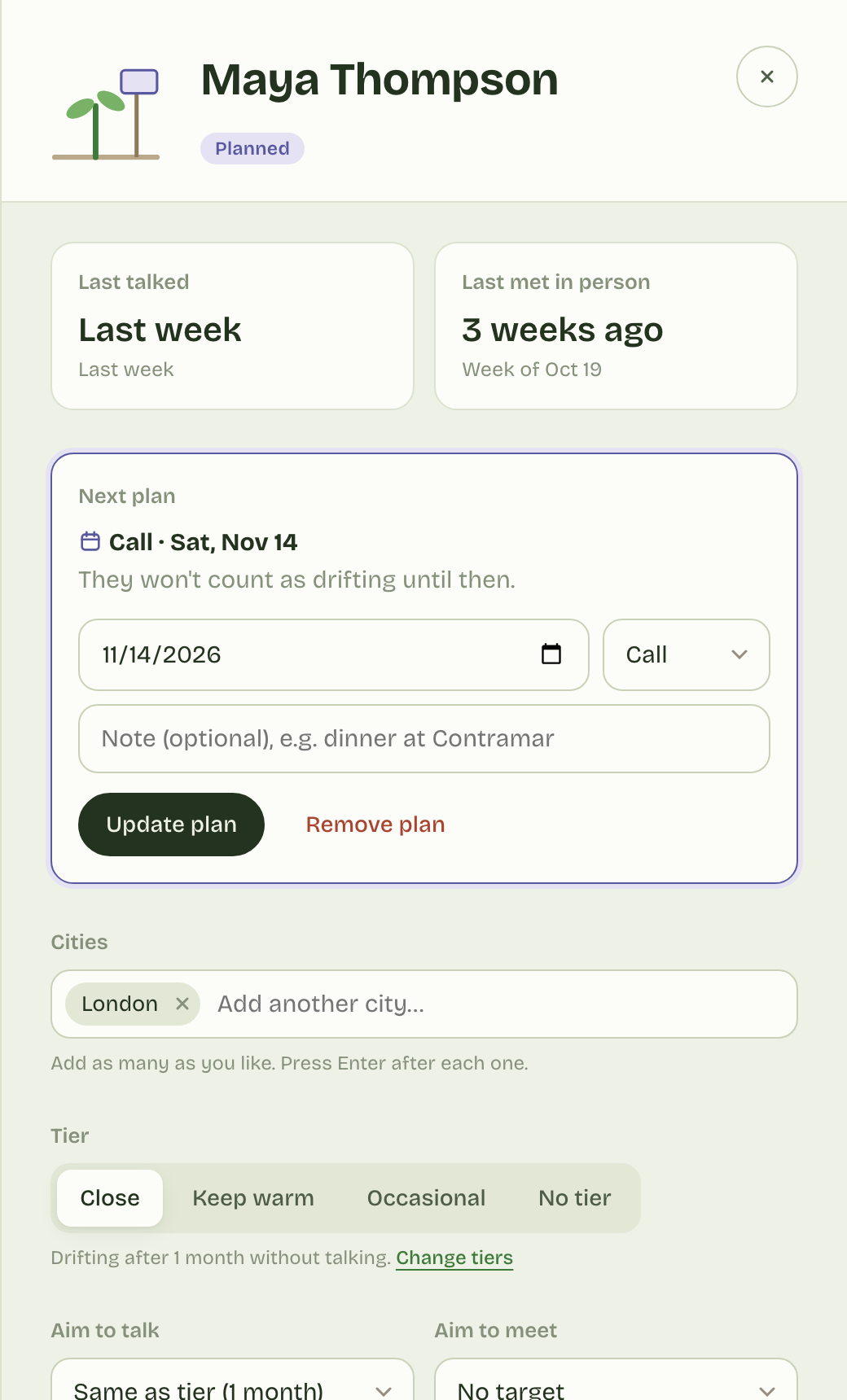
Put a call or a dinner on someone's page. Tend shows what's coming up, and ticks it off when you log it.
Add the cities people live in, then see everyone in Lisbon before your trip.
Sort people into circles, each with its own pace. Nobody gets a guilt trip they don't deserve.
Need a break from someone for a few months? Snooze them, and they won't show as drifting.
No account, no cloud, no tracking. Everything stays on your Mac, in a folder you can see.
Tend saves a copy each day it's open, and another in your own iCloud Drive.
Tend is a small independent app, so the first time you open it your Mac asks you to confirm you trust it. You only do this once.
Open the downloaded file. Move the Tend folder somewhere you'll keep it, like Documents.
Double-click Open Tend. Your Mac will say it can't check it. Click Done.
Go to System Settings → Privacy & Security, scroll down and click Open Anyway.
If your Mac offers to install developer tools, click Install and wait a few minutes. Then open Tend again.
Tend opens in your web browser, but runs only on your Mac. After the first time, just double-click Open Tend.
Tend is free for everyone. If it helps you call someone you'd been meaning to, you can say thanks with a coffee. It keeps the app growing.